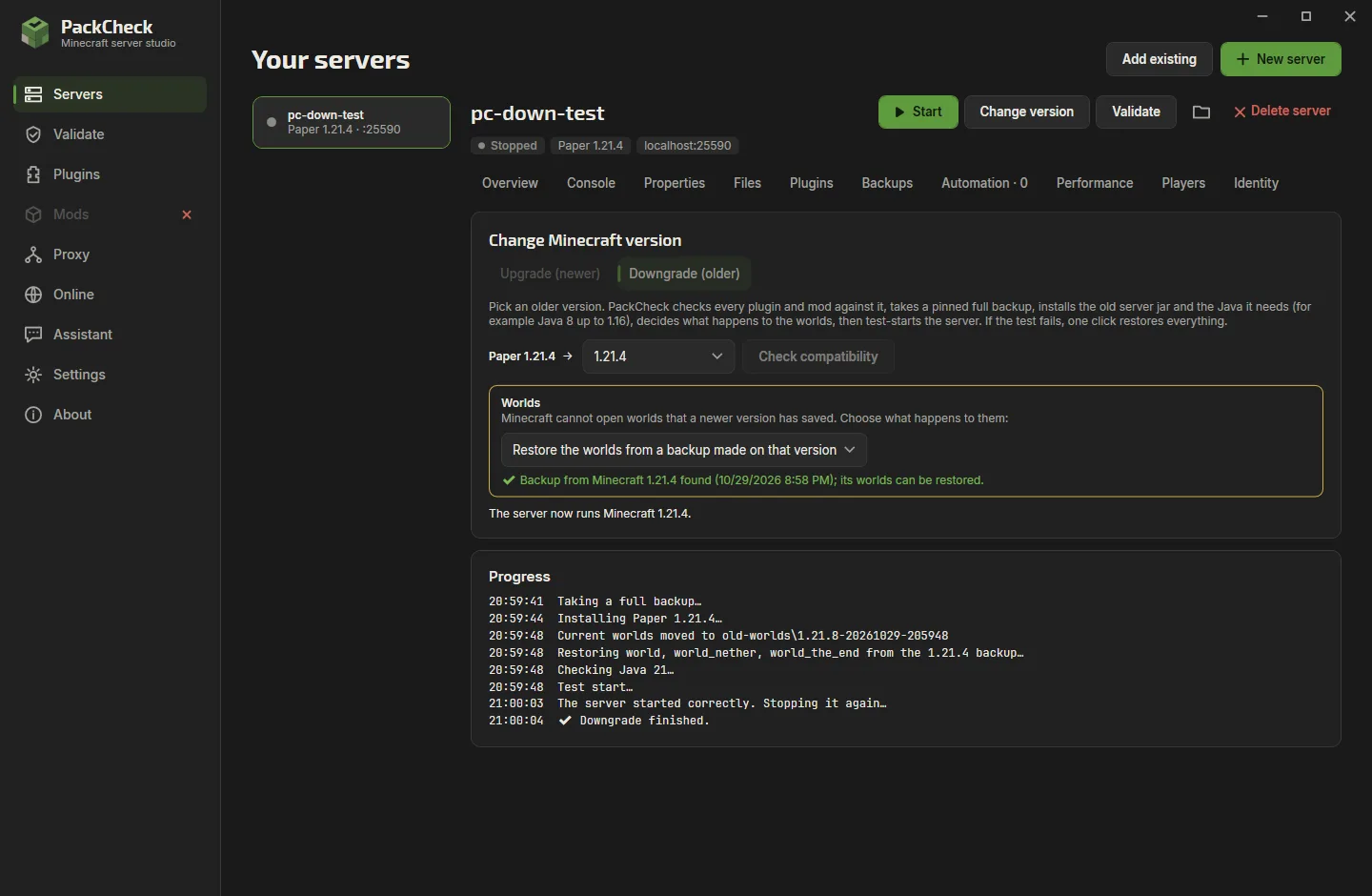
NewVersion 3.3: version downgrades, an assistant that finishes long jobs, chat history, screenshots, shortcuts

Host a Minecraft server on your Windows PC

PackCheck sets up the server, installs Java, keeps plugins and mods compatible and gets your friends connected. A free Windows app, no command line needed.

Free and open source No admin rights No account, no telemetry
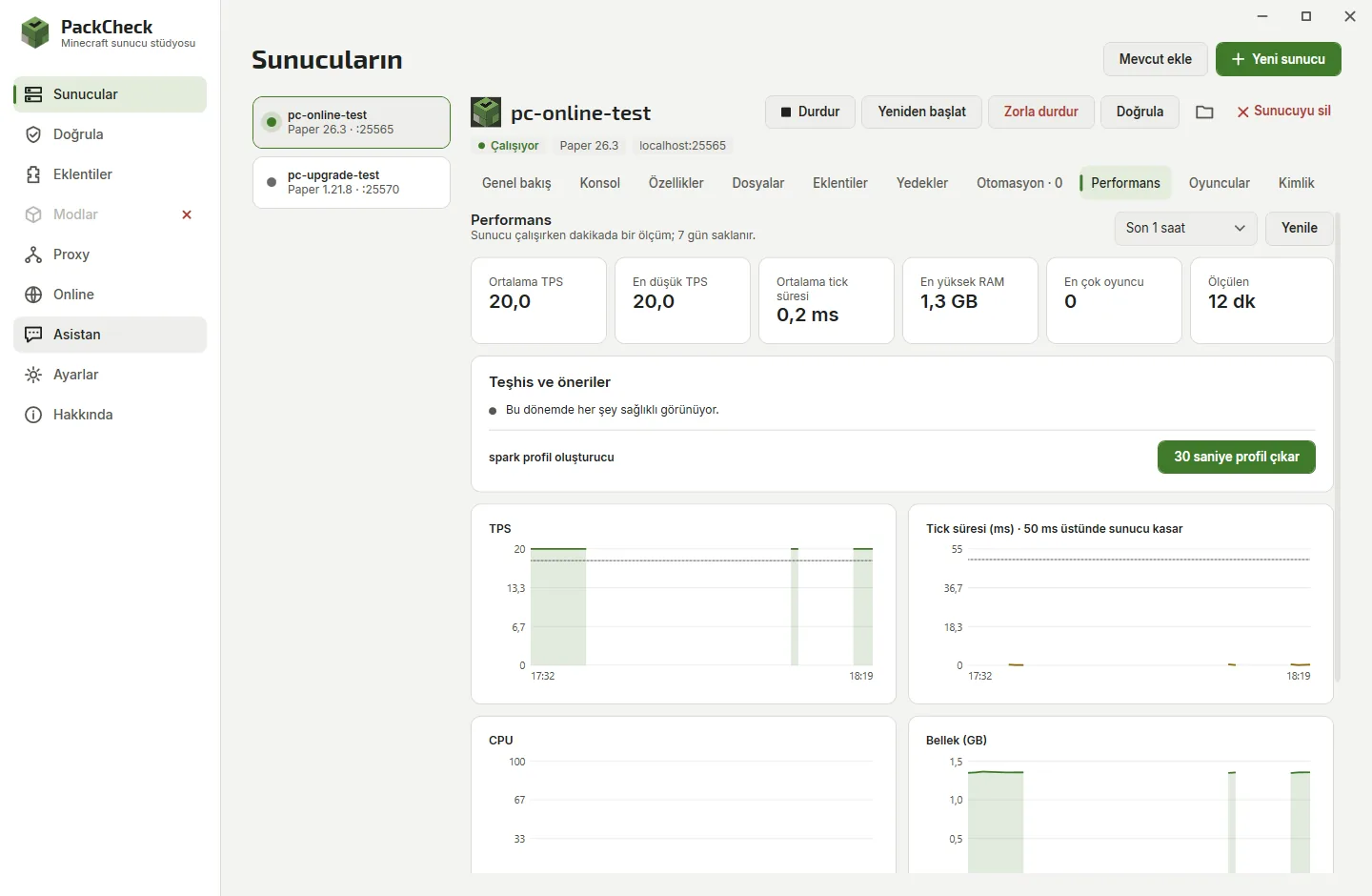
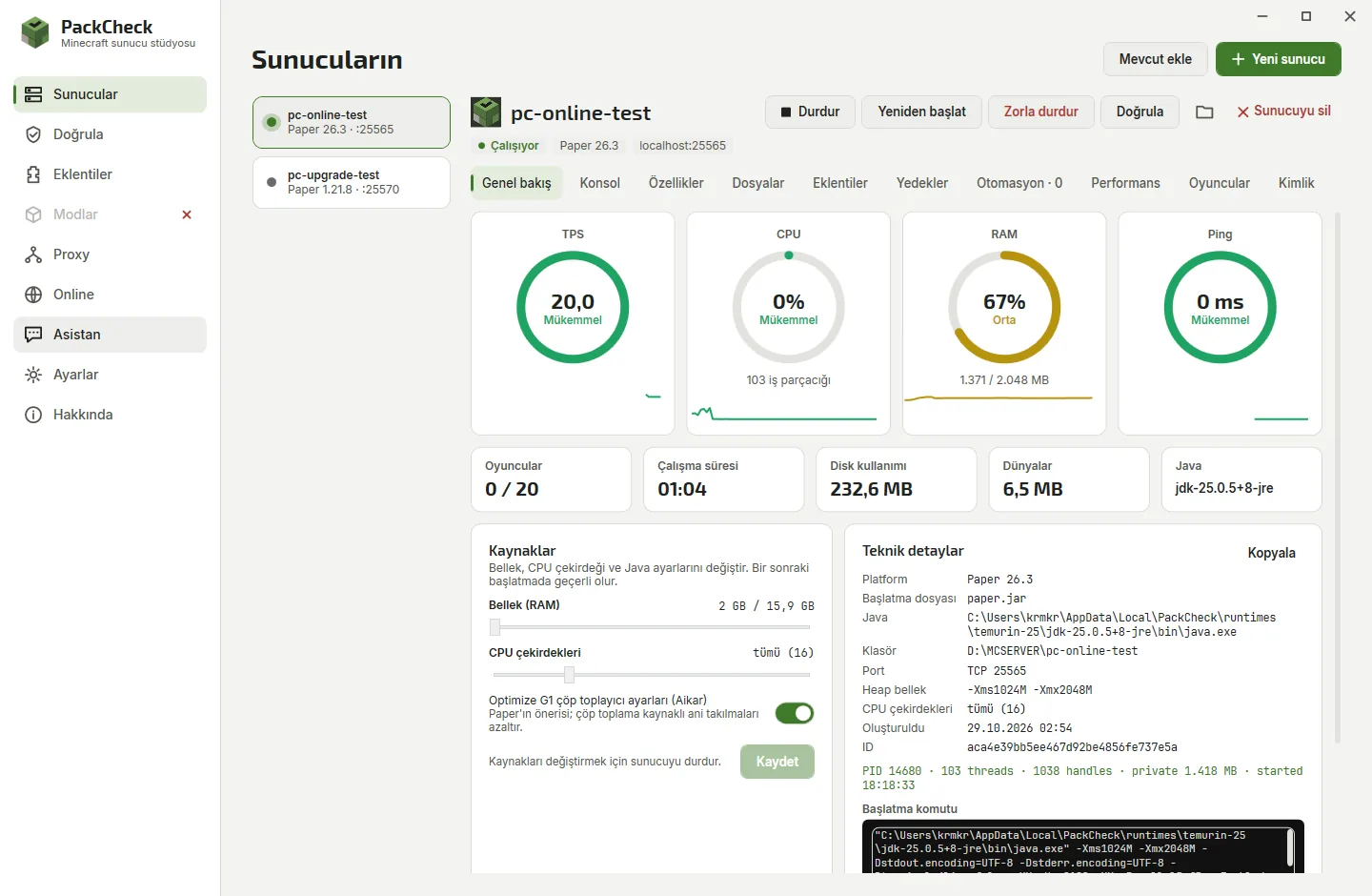
PackCheck dashboard of a running Paper server: TPS 20, CPU, RAM and ping gauges, resources and technical details
18server platforms
5languages
FreeMIT license
< 1 sto check a 200-plugin pack

Everything in one window

Pick a part of the app to see it.

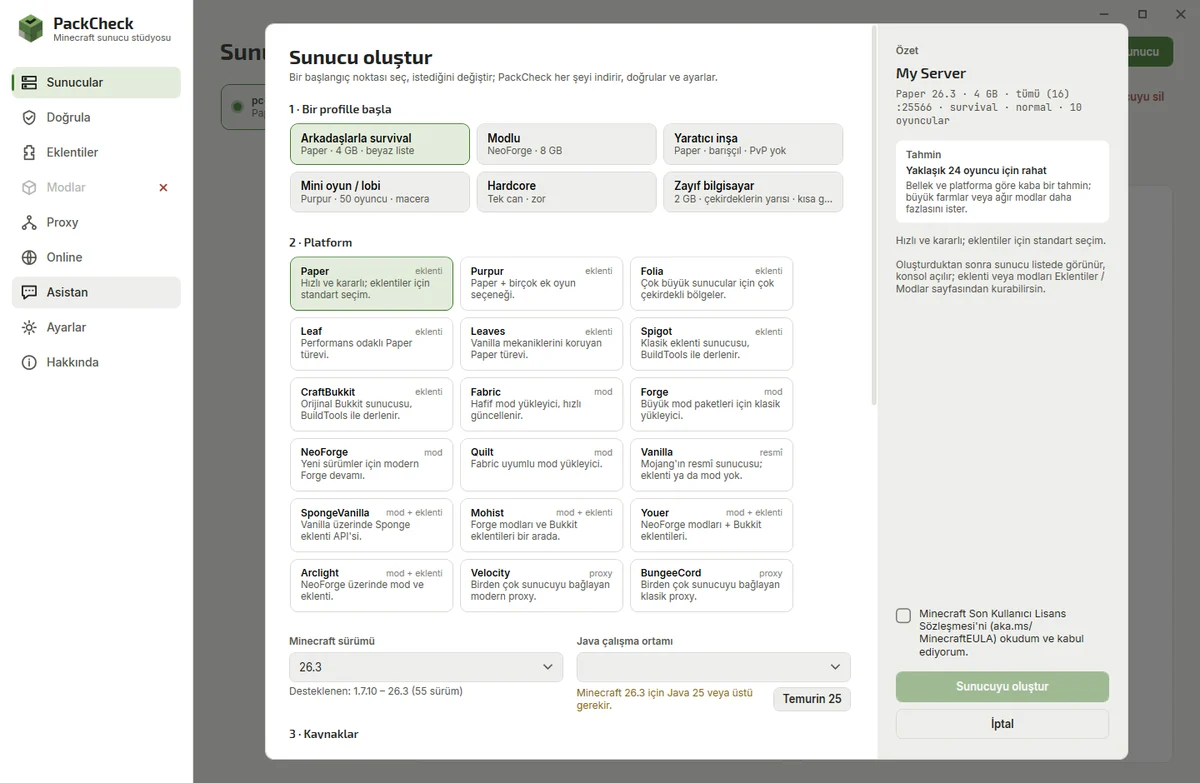
A server in a few clicks

Start from a profile and change only what you care about.

  • Survival, modded, creative, minigames, hardcore or low-end profiles
  • RAM from 1 to 256 GB, up to 64 CPU cores
  • Game rules, free port and the right Java chosen for you
Create Minecraft server wizard with profiles, platform cards, RAM and CPU sliders

A Minecraft server manager built for home hosting

Built for the way people really host

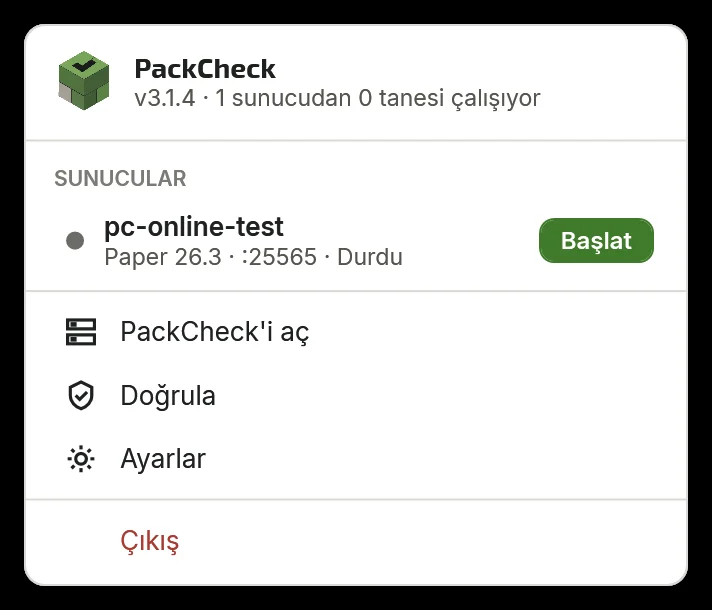
Most home servers run on the same PC people play on. PackCheck keeps that comfortable: limit the cores a server may use, keep it running in the tray when the window is closed, and stop everything with one click.

Tray menuEvery server's state, start and stop
Automatic JavaTemurin 8, 17, 21 or 25 when needed
Verified downloadsChecked against published hashes
Safe updatesPostpone, or update automatically
Tray menu listing servers with start buttons

Edit files without breaking them

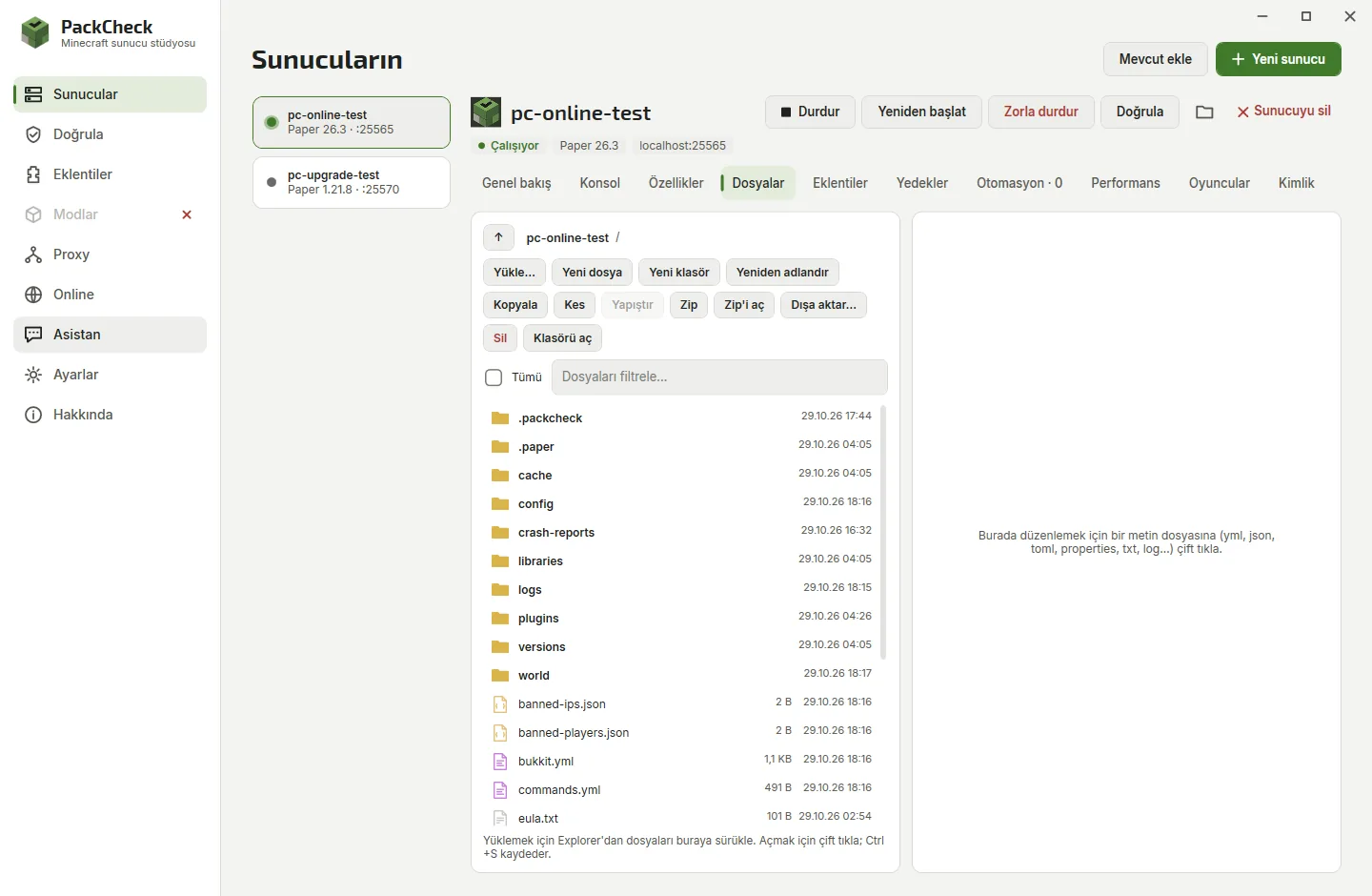
Drag files in, zip and unzip, and edit configs in a code editor that refuses to save broken YAML, JSON or TOML. Every edit keeps a backup.

Settings editorserver.properties, Bukkit, Spigot and Paper
Server icon and MOTDLive server-list preview
Files tab with code editor

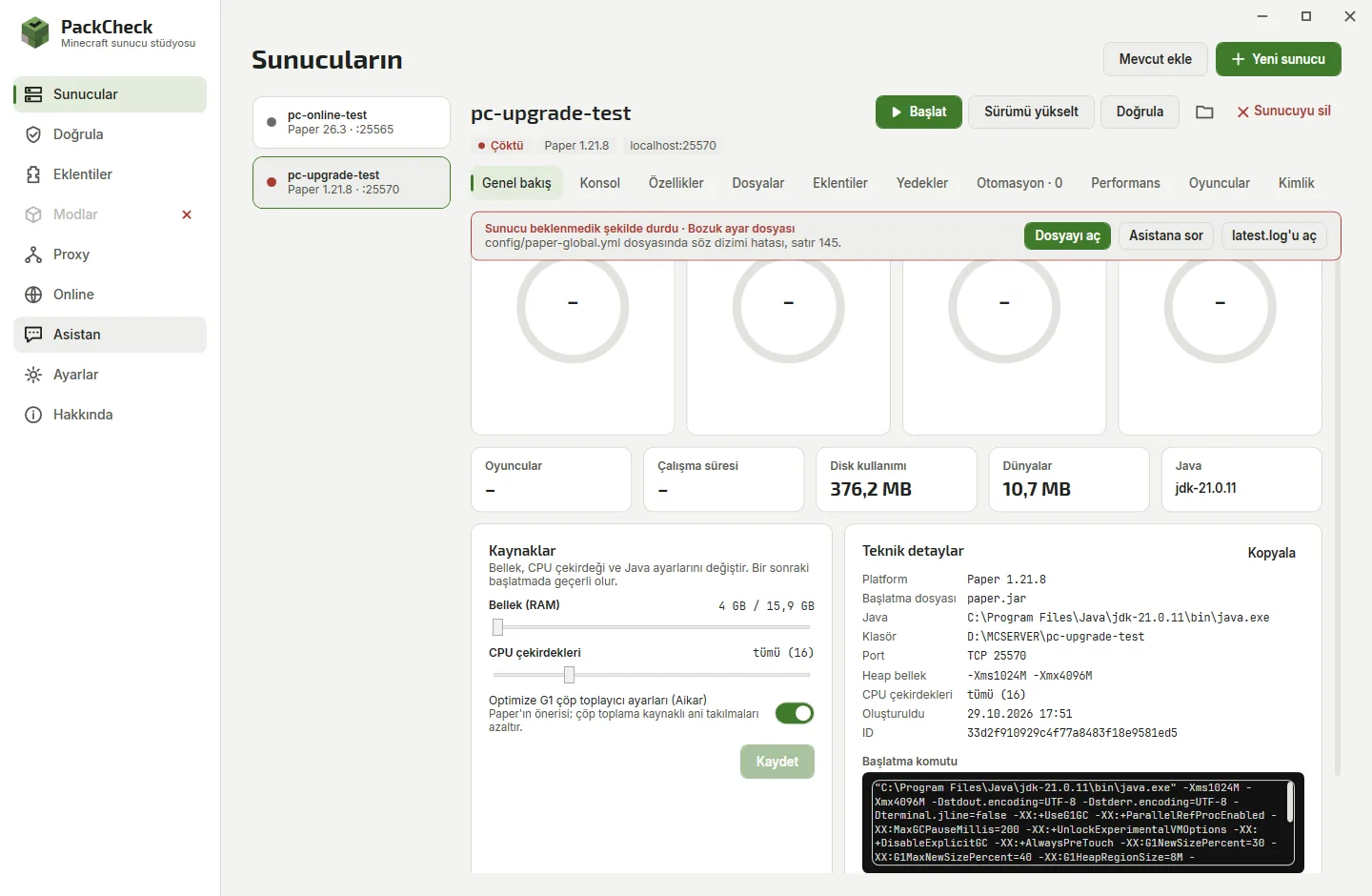
Know why it crashed, fix it in one click

When a server stops unexpectedly, PackCheck reads the console, the log and the crash report and names the cause: the plugin or mod that broke it, the missing dependency, the wrong Java, the config file and line with a typo, or a port that is already taken.

One-click fixesDisable the jar, add RAM, install Java, free port
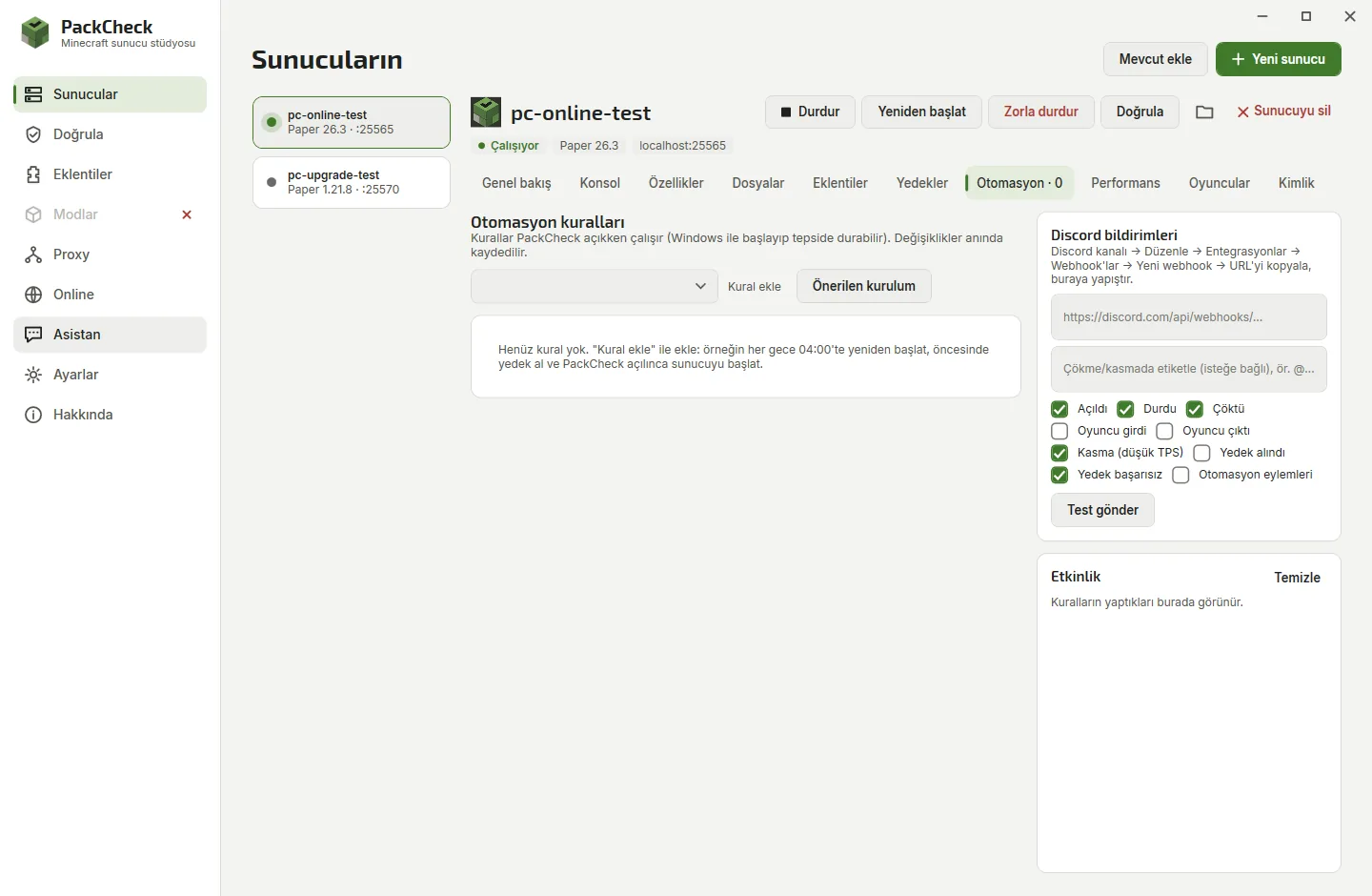
Discord alertsCrashes, lag, players and backups
Crash banner naming a broken config file and line with a fix button

Backups and players under control

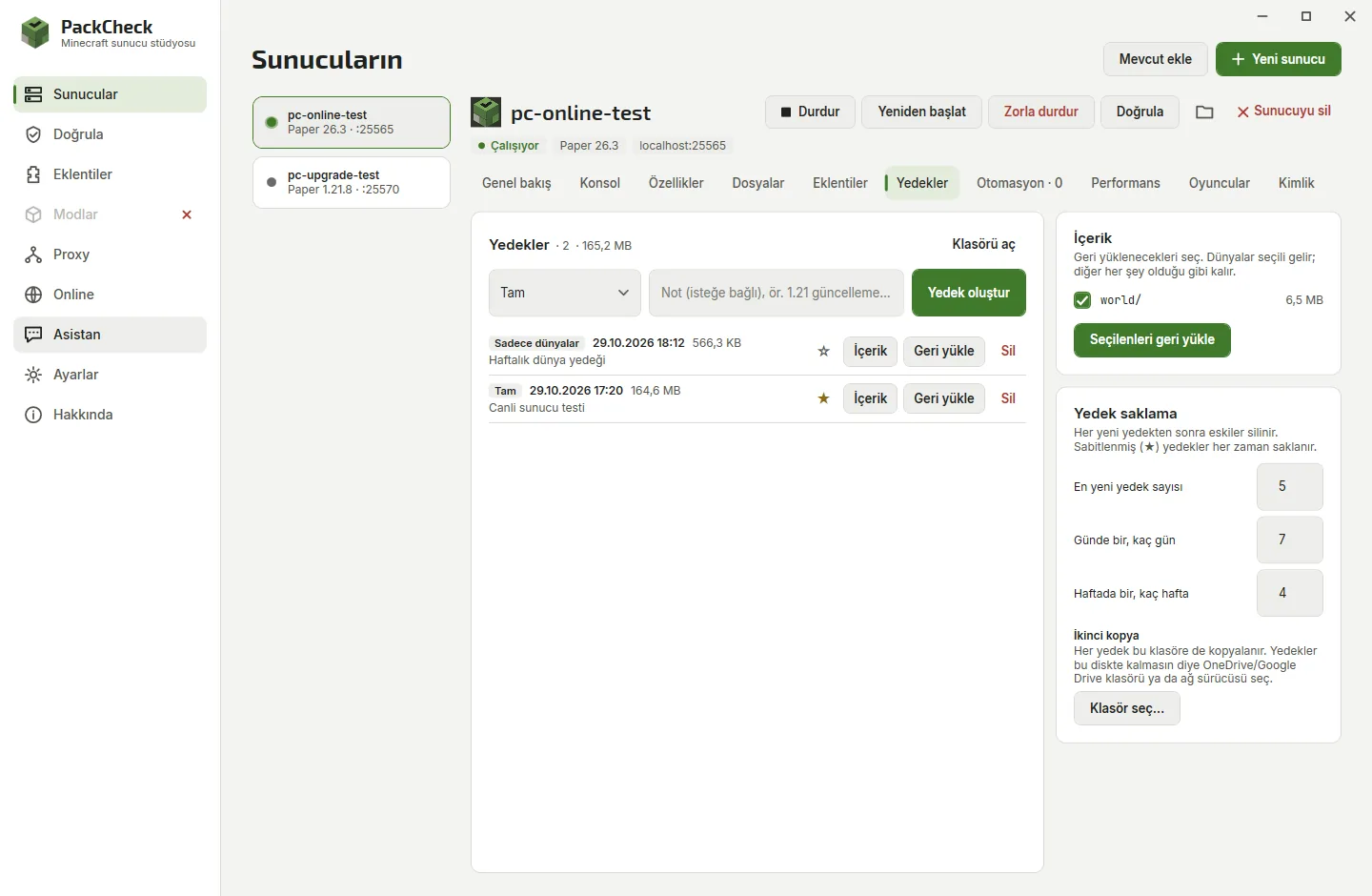
Back up the whole server, only the worlds or only the settings while it keeps running. Keep daily and weekly copies, pin the ones that matter, copy them to OneDrive or a NAS and restore a single world. See everyone who joined, with play time and IP history, and whitelist, op or ban them even when the server is off.

Smart retentionNewest, daily, weekly and pinned
Per-world restoreWith a safety backup first
Backups tab with backup types, notes, pinning and per-world restore

An assistant that finishes the job

Use your own key or a local model. It reads the console and files, explains crashes, edits configs and translates plugin messages. Long jobs like "translate every plugin" get a visible task list that it works through item by item. Attach screenshots and logs, pick the server it works on, and reopen earlier chats from the history. Choose how much it may do: ask before every change, plan first, auto-edit files, or bypass approvals.

ClaudeChatGPTGeminiGrokDeepSeekMistralGroqOpenRouterOllamaLM Studio
Spawn is getting crowded. Raise the limit to 20 players and turn PvP off.
Here is the change to server.properties:
- max-players=10
+ max-players=20
- pvp=true
+ pvp=false
ApproveReject

Eighteen platforms, real versions only

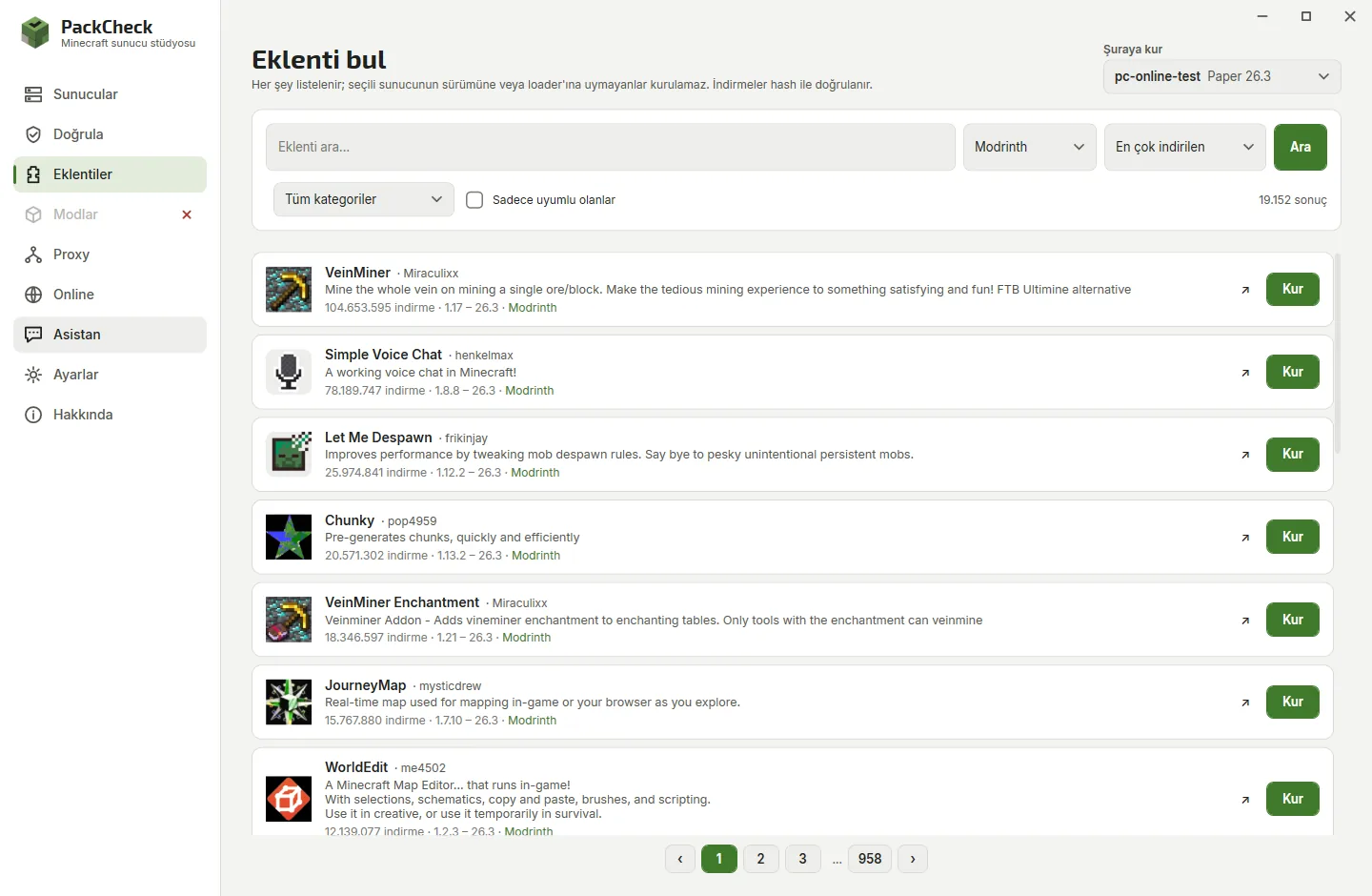
Version lists come from each project's own API, so every version you can pick has a real download behind it.

Plugins

Paper
Purpur
Folia
Leaf
Leaves
Spigot
CraftBukkit

Mods

Fabric
Quilt
Forge
NeoForge

Mods and plugins

Mohist
Arclight
Youer
SpongeVanilla

Official

Vanilla

Proxy

Velocity
BungeeCord

Guides

Step-by-step help for the questions people ask most about running a Minecraft server at home.

How to host a Minecraft server on Windows Minecraft port forwarding: let friends join Paper vs Fabric vs Forge vs NeoForge Check plugins and mods before they break your server Automate restarts, backups and crash recovery

Minecraft server FAQ

How do I make a Minecraft server on Windows?
Install PackCheck, click New server, choose a profile such as Survival with friends, accept the Minecraft EULA and press Create server. PackCheck downloads the server, installs Java and starts it.
How can my friends join my Minecraft server?
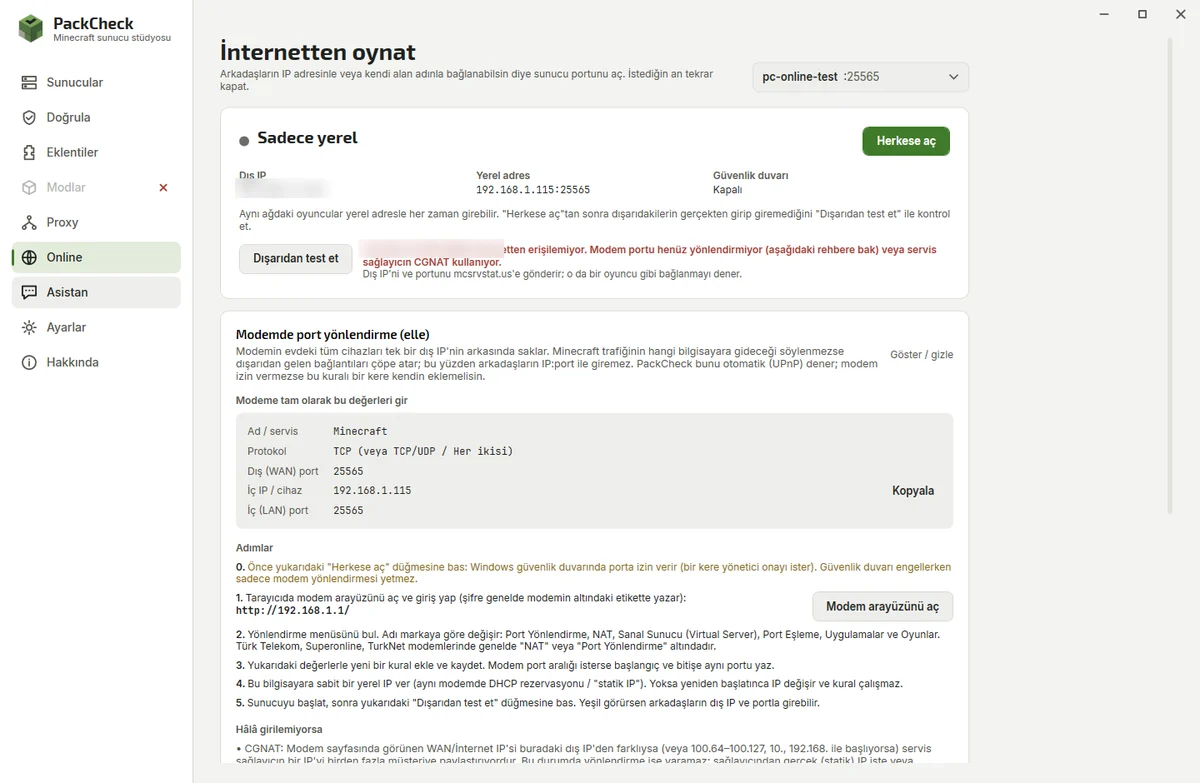
On the same Wi-Fi they use the local address. Over the internet press Open to the internet; if your router does not forward the port automatically, follow the guide on the Online page and confirm with Test from outside.
Paper, Fabric or Forge – which should I choose?
Paper for plugins, Fabric or NeoForge for mods, Mohist or Arclight for both, and Velocity to link several servers. The create wizard explains each one.
Why does my plugin or mod not load?
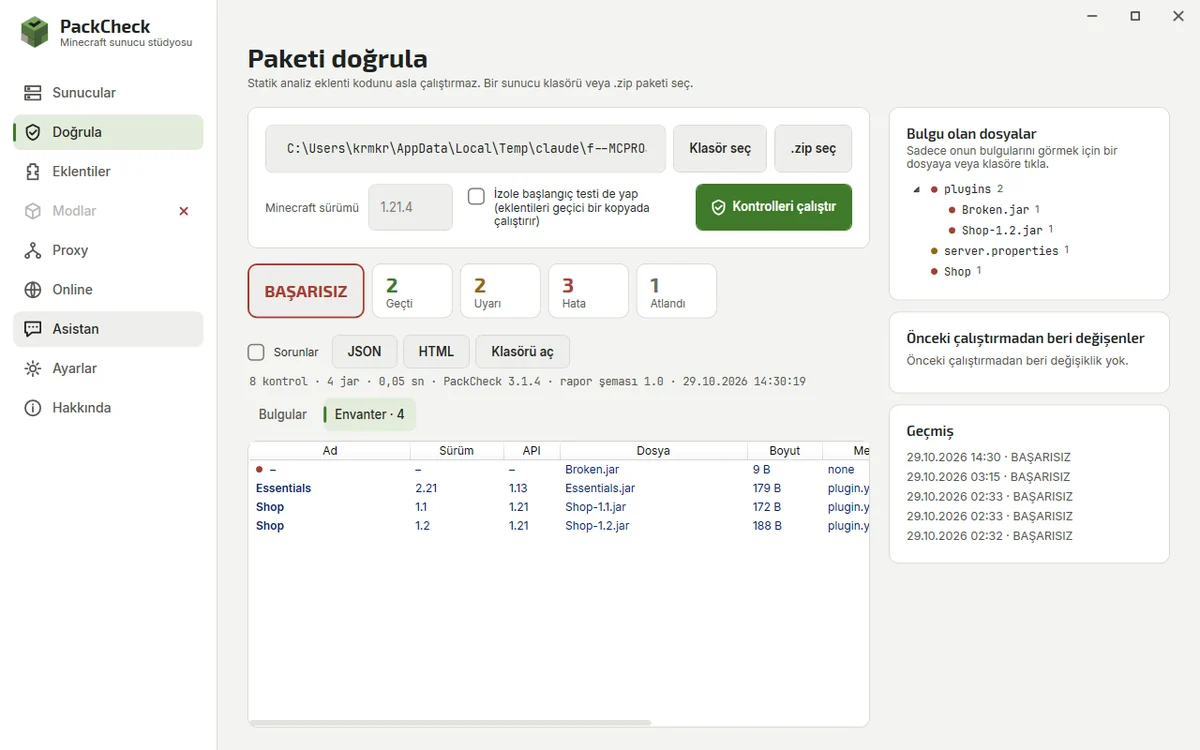
Run Validate. It lists missing dependencies, Minecraft version mismatches, duplicates and corrupt files, each with the fix.
What do I need?
Windows 10 or 11 (64-bit) and about 2 GB of free memory for a small server, 6–8 GB for modpacks. Java is installed for you.
Is PackCheck free?
Yes. PackCheck is open source under the MIT license, needs no account and sends no telemetry.
Your server can be online tonight

Download PackCheck, pick a profile, send your friends the address.

Download for Windows